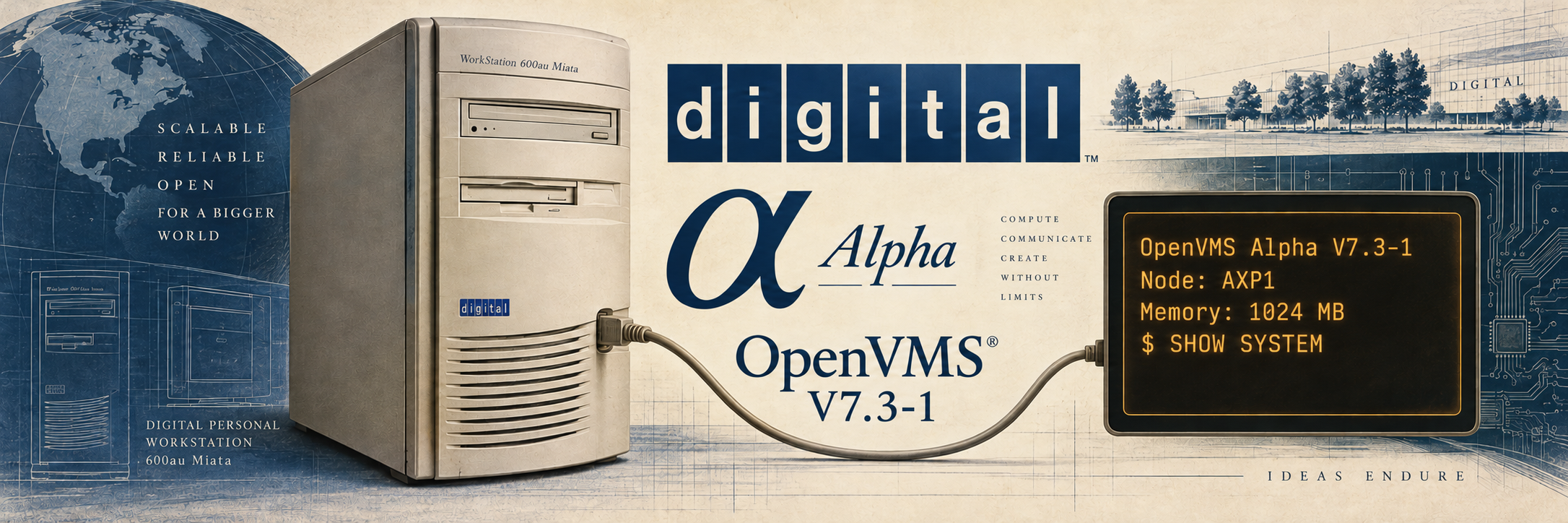
I’ve had this Digital Personal Workstation for about ten years, and have finally gotten OpenVMS running on it. I originally got it to try to get OpenGenera 2.0 running (under Unix), but never really succeeded. The seller included a drive with OpenVMS on it that I literally never booted, until now.
It’s a Personal Workstation 600au, code named “Miata.” It was upgraded per a sticker on the back, from a 433au. It has two other hard drives with installations of Digital UNIX, so this isn’t its first life as a working computer. But now it has joined the VAXstations in my current OpenVMS experiments.
The Computer
The hardware in this one is:
- Digital Personal Workstation 600au, “Miata”
- One 64-bit Alpha 21164A processor, also called EV56, at about 600 MHz (OpenVMS reports approximately 598 MHz)
- 1 GB of RAM in three pairs of slots (4x128MB, 2x256MB)
- Three SCSI hard drives, with a separate operating system installation on each
- A roughly 9 GB COMPAQ SCSI disk for OpenVMS
- A DEC RRD45 SCSI CD-ROM drive and a floppy
- DE500-family Ethernet
A gigabyte of RAM is quite a change from the handful of megabytes in some of my VAXstations. This is also a different processor architecture: Alpha, rather than VAX. The operating system is familiar, but software needs to be built for the appropriate machine.
Battery and Firmware
One of the first things I did was replace the battery that keeps the clock and firmware settings alive. That was easy; the motherboard just slid out the top and a CR2032 battery replacement took but a moment.
I also changed the firmware selection from AlphaBIOS to SRM. When the battery was dead, it defaulted to AlphaBIOS. It took quite a few tries to figure out how to work this BIOS and get a good terminal emulator to show it correctly. Eventually this VT420 emulator, Blaze worked great, with the keyboard shortcuts here instead of the non-working F-keys.
AlphaBIOS is the firmware environment used for Windows NT on these machines; SRM is the console used for Digital UNIX and OpenVMS. Digital documents both in its Personal Workstation installation and setup guide.
SRM gives me the familiar three-chevron prompt:
>>>
It also doesn’t require the VT420 emulator or special keys. There are many more SRM options/commands than even the VAXstation 4000/96.
One detail that slowed me down was the boot flags. The flags left over from booting UNIX were not suitable for OpenVMS. For the VMS disk in this machine, the boot command is:
>>> boot -flags 0,0 dka200
The other two disks still have their Digital UNIX installations. I’m keeping those around as well.
Serial Console
Although this is a workstation with provisions for a keyboard and VGA monitor, I’m using it through the serial console, much like my VAXstations.
The console connects to a Linux computer, so I can reach the firmware prompt and watch OpenVMS boot from a terminal session. I don’t have to sit in front of a dedicated monitor to use it. This is particularly convenient when trying to work out why something doesn’t boot.
OpenVMS
The machine is now running OpenVMS Alpha V7.3-1, and I’ve named it AXP1. (Really creative, I know.) TCP/IP is working, and I can log in and transfer files over the network. I’ve also configured DECnet-Plus and set up accounts for trying out multi-user software.
I’d like to move it to V7.3-2 eventually, while staying in the 7.3 family. First, though, I want a proper image backup of the existing disks. I have a ZuluSCSI Ultra Wide to do that with. We’re also rehearsing the upgrade on a separate AXPbox Alpha simulator so I can find out what the installer actually does before trying it on this computer.
For now, after about ten years of owning it, I have another working OpenVMS machine to experiment with.
Other Alphas
I have two other similar computers which I do not recall having ever booted. One doesn’t even have hard drives. They are definitely a bit different as they have different expansion slots. This one has a few ISA slots as well as five PCI slots, two of which are larger than the others. The SCSI is built right on to the PCI/ISA expansion board.
I need to try to get those other two running at some point as well.